

 Get 0.05 TON 💎
Earlier Versions
| Name | Size | Uploaded | Game Version | Downloads | |
| BananaPreference.zip release | 50.11 KB | Feb 17, 2023 | 3.3.5 | 29 |  Download Download |
| BananaPreference.zip release | 49.98 KB | Feb 16, 2023 | 3.3.5 | 8 | Download |
| BananaPreference.zip release | 45.05 KB | Feb 11, 2023 | 3.3.5 | 14 | Download |
| BananaPreference.zip release | 40.15 KB | Feb 7, 2023 | 3.3.5 | 13 | Download |
| BananaPreference.zip release | 38.68 KB | Feb 6, 2023 | 3.3.5 | 9 | Download |
| BananaPreference.zip release | 36.48 KB | Feb 1, 2023 | 3.3.5 | 15 | Download |
| BananaPreference.zip release | 62.54 KB | Jan 30, 2023 | 3.3.5 | 11 | Download |
Screenshots

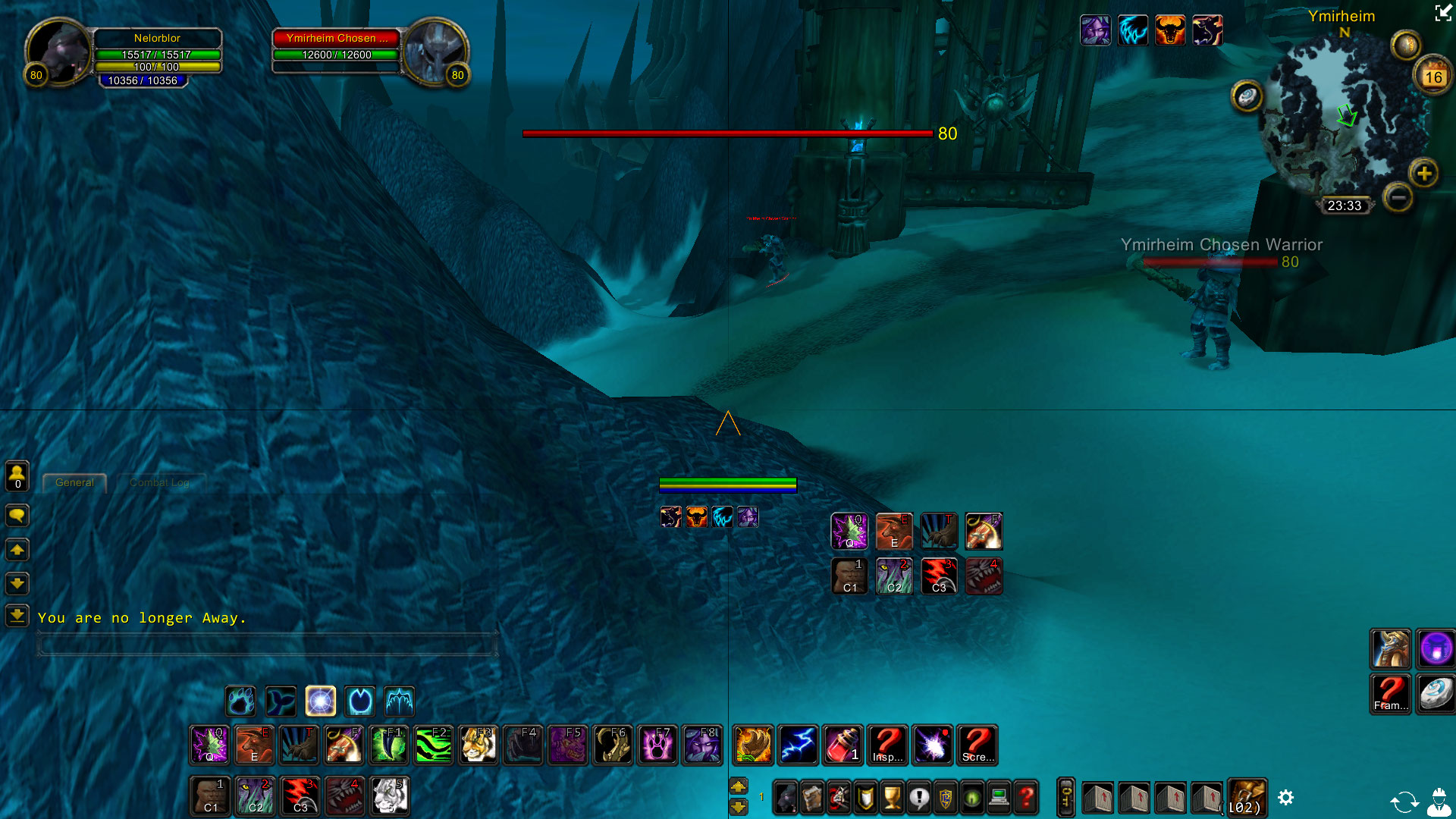
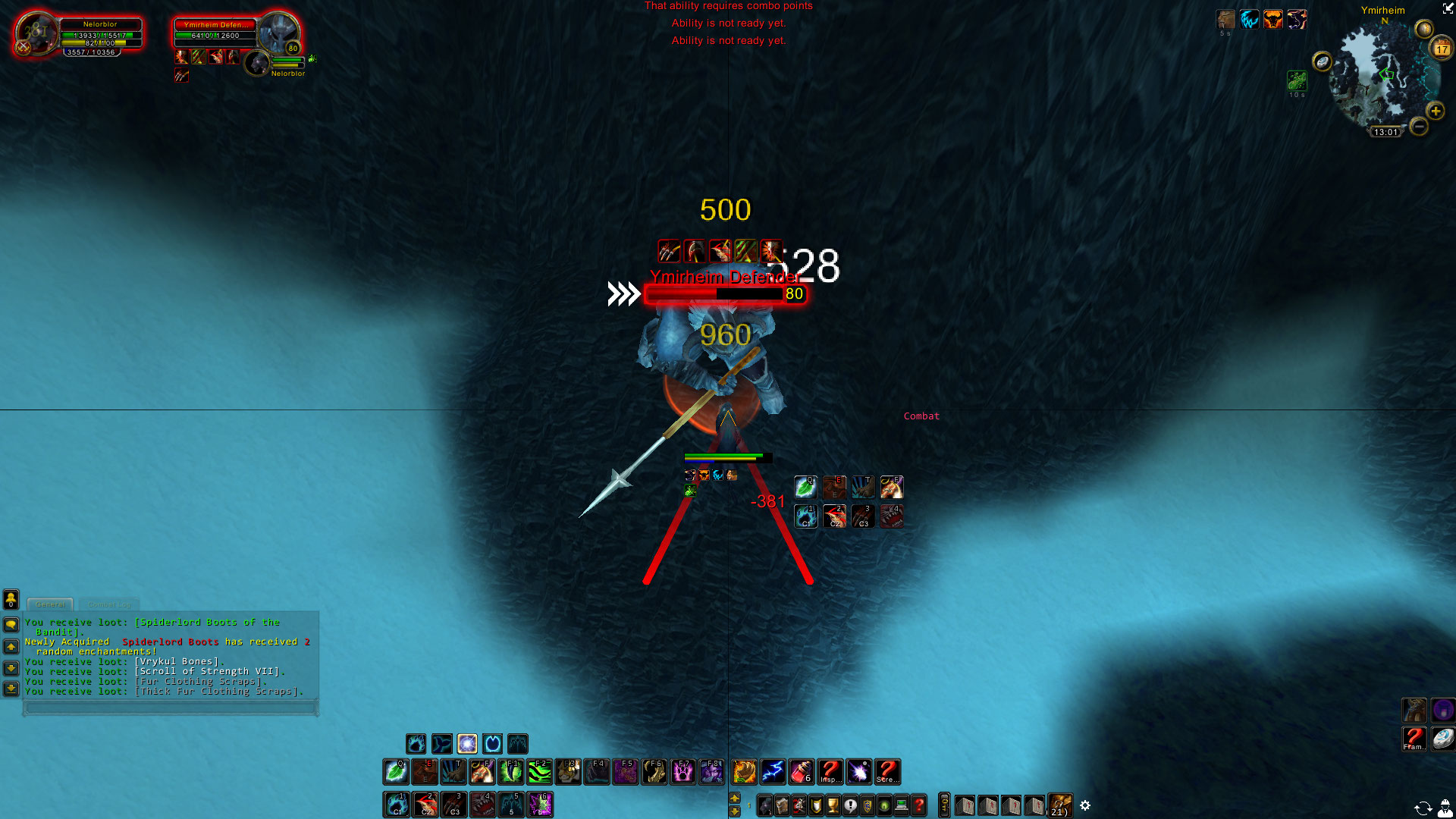

Description
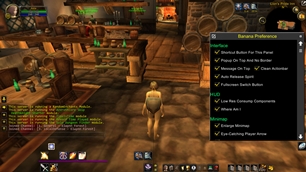
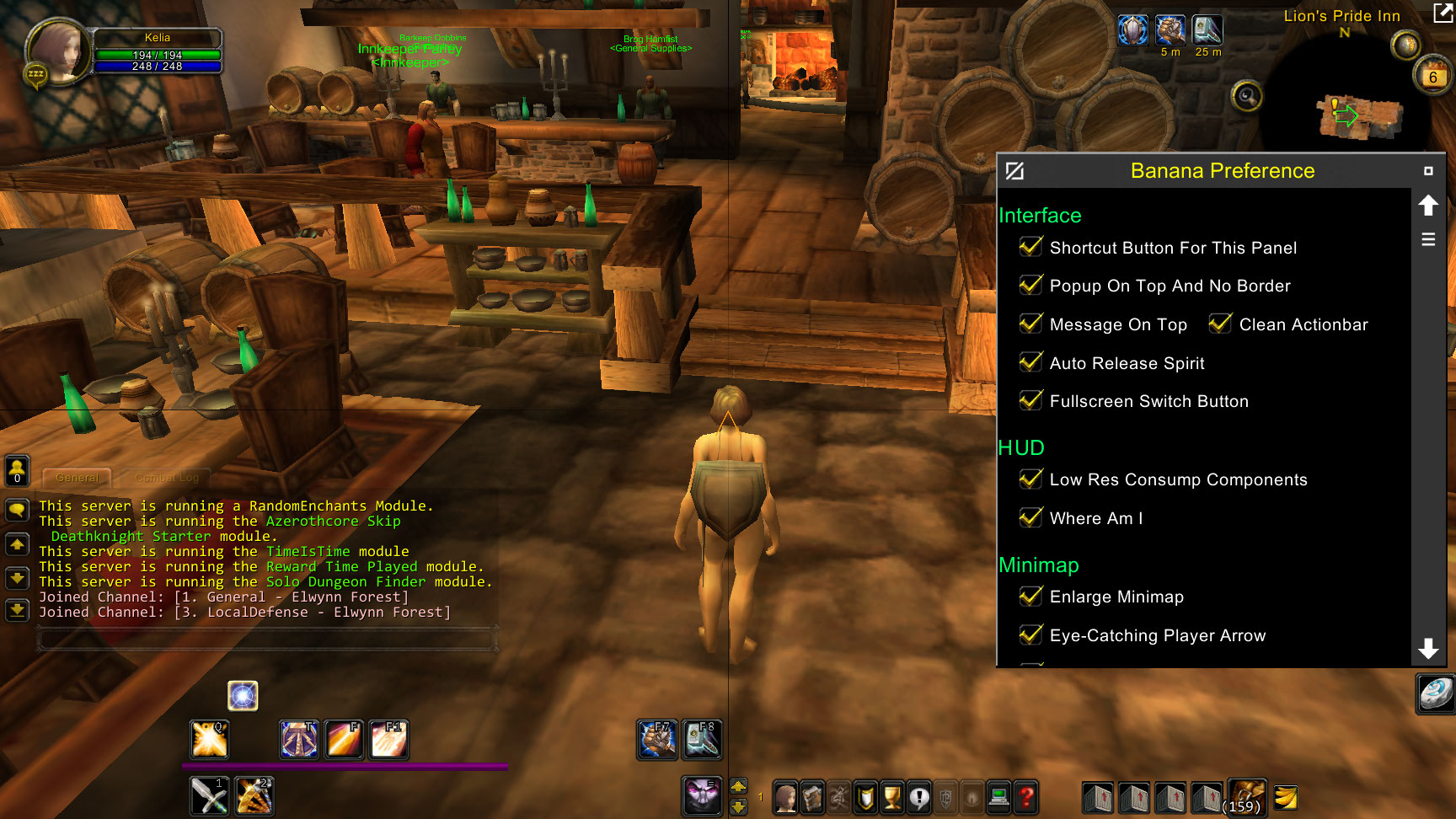
This is only for old client version 3.3.5.12340, not for current classic version.
Use /bpref to open settings panel, /pas to print addon states.

Interface
- Shortcut Button For This Panel: Shortcut button to open/close this panel, equals to “/bpref” command
- Popup On Top And No Border: Make static popups stick to top of screen and remove border to make it look less “thick”
- Message On Top: Make certain messages on screen center stick to top such as red errors
- Clean Actionbar: Hide useless widgets and backgrounds on actionbar
- Auto Release Spirit: Automatically release spirit upon death
- Fullscreen Switch Button: Button to switch between windowsed mode and windowed (maximized) mode
HUD
- Low Res Consump Components: State value is obtained through event/callback mechanism, which hardly consumes CPU. Including crosshair, combat status, afk status, dungeon difficulty, etc.
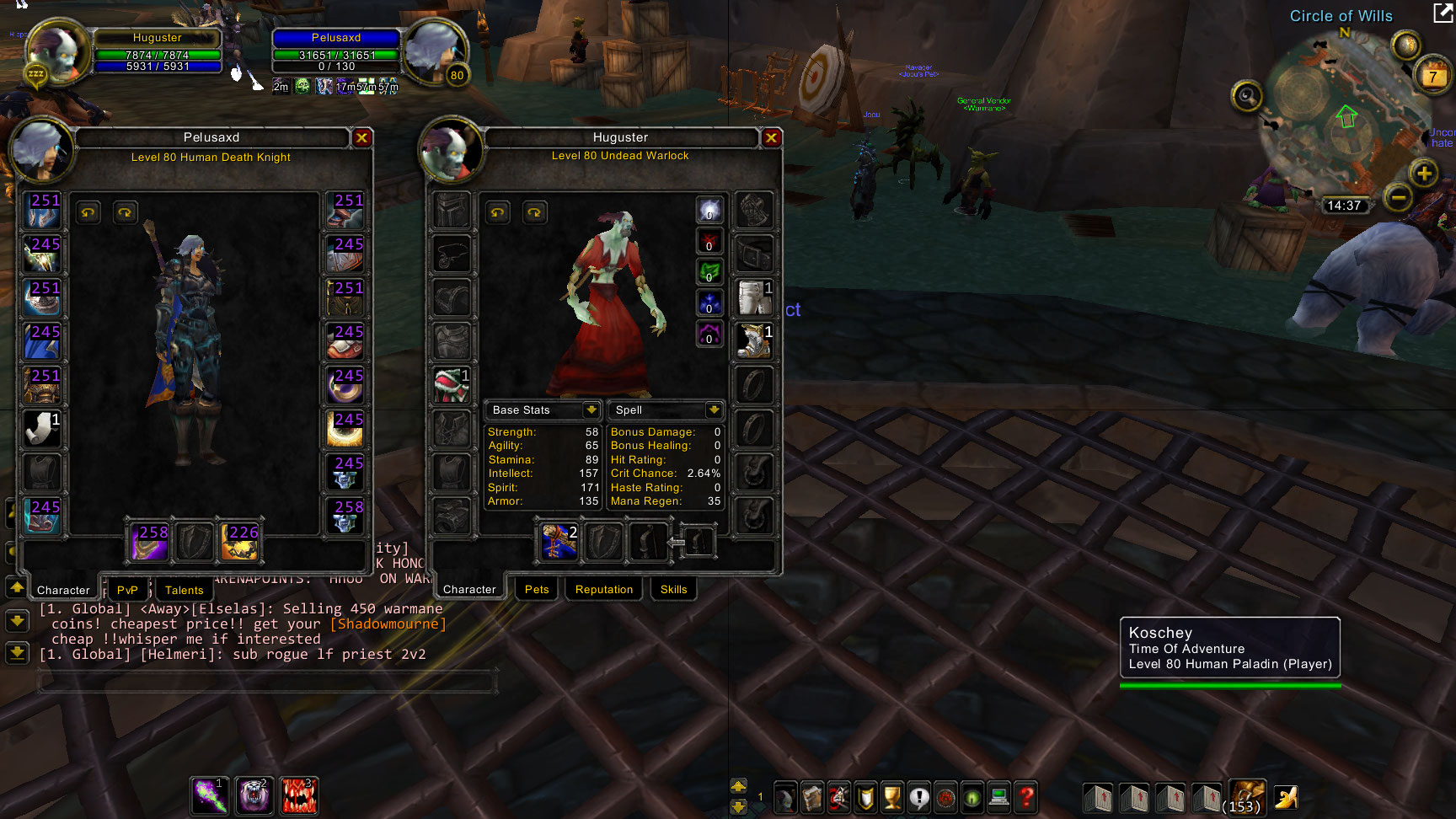
- Where Am I: When you’re struggling to find yourself in a team battle, with skills on screen, this “^” shaped marker allows you to easily locate yourself with afterglow of your eyes without disturbing normal combat. In addition, it can indicate combat status, as it only appears in combat
- Action Button Indicator: Display frequently used action buttons near screen center, avoiding frequent eye movements, making them less tired
- Player Status Indicator: Display player’s infomation such as health, mana, buff/debuff, dk runes near screen center, avoiding frequent eye movements, making them less tired
- Nameplate Enhancement: Display extra information such as buff/debuff, combopoints on target nameplate, and when it is invisible, show a fake one near screen center
Minimap
- Enlarge Minimap: Slightly enlarge minimap and tweak relevant widgets
- Eye-Catching Player Arrow: Make player direction arrows in minimap more eye-catching
- Mouse Wheel Zoom: Zoom in/out with mouse wheel on minimap
Items
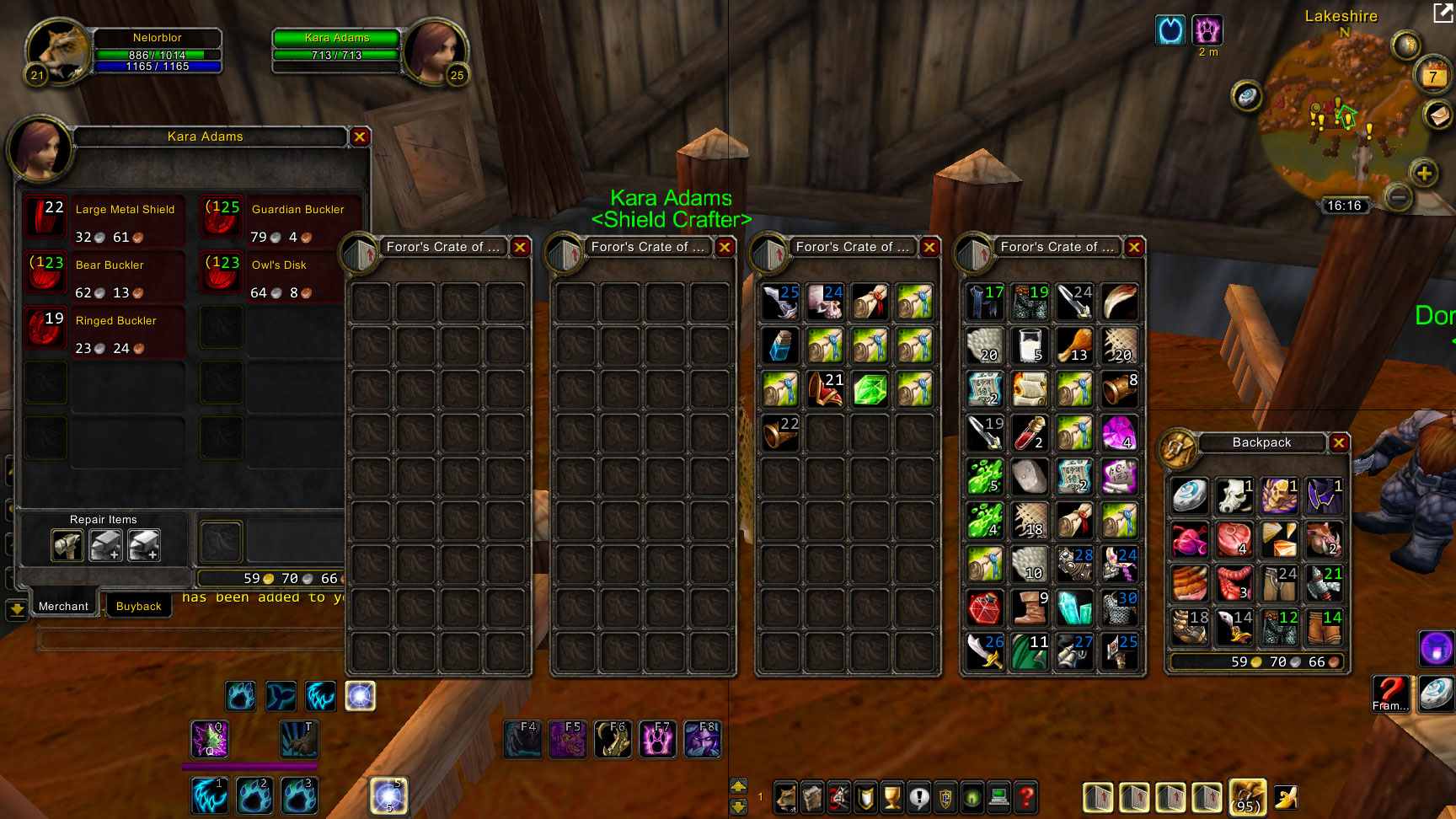
- Merchant Mouse Wheel Turn Page: Use mouse wheel to turn pages in merchant interface
- Auto Repair: Auto repair while opening merchant interface
- Auto Sell Junk: Auto sell junk items while opening merchant interface
- Enhanced Item Display: Display extra information on items, such as level
Chat
- No Alt In Chatbox: In chatbox cursor can be moved without holding Alt key


Add a comment