


 Get 0.05 TON 💎
Earlier Versions
| Name | Size | Uploaded | Game Version | Downloads | |
| MisDirectionHelper2.zip release | 176.76 KB | Jan 28, 2022 | 9.1.5 | 0 |  Download Download |
| MissDirection2 release | 176.75 KB | May 15, 2021 | 9.0.2 | 617 | Download |
Screenshots
Description
Misdirection Helper 2
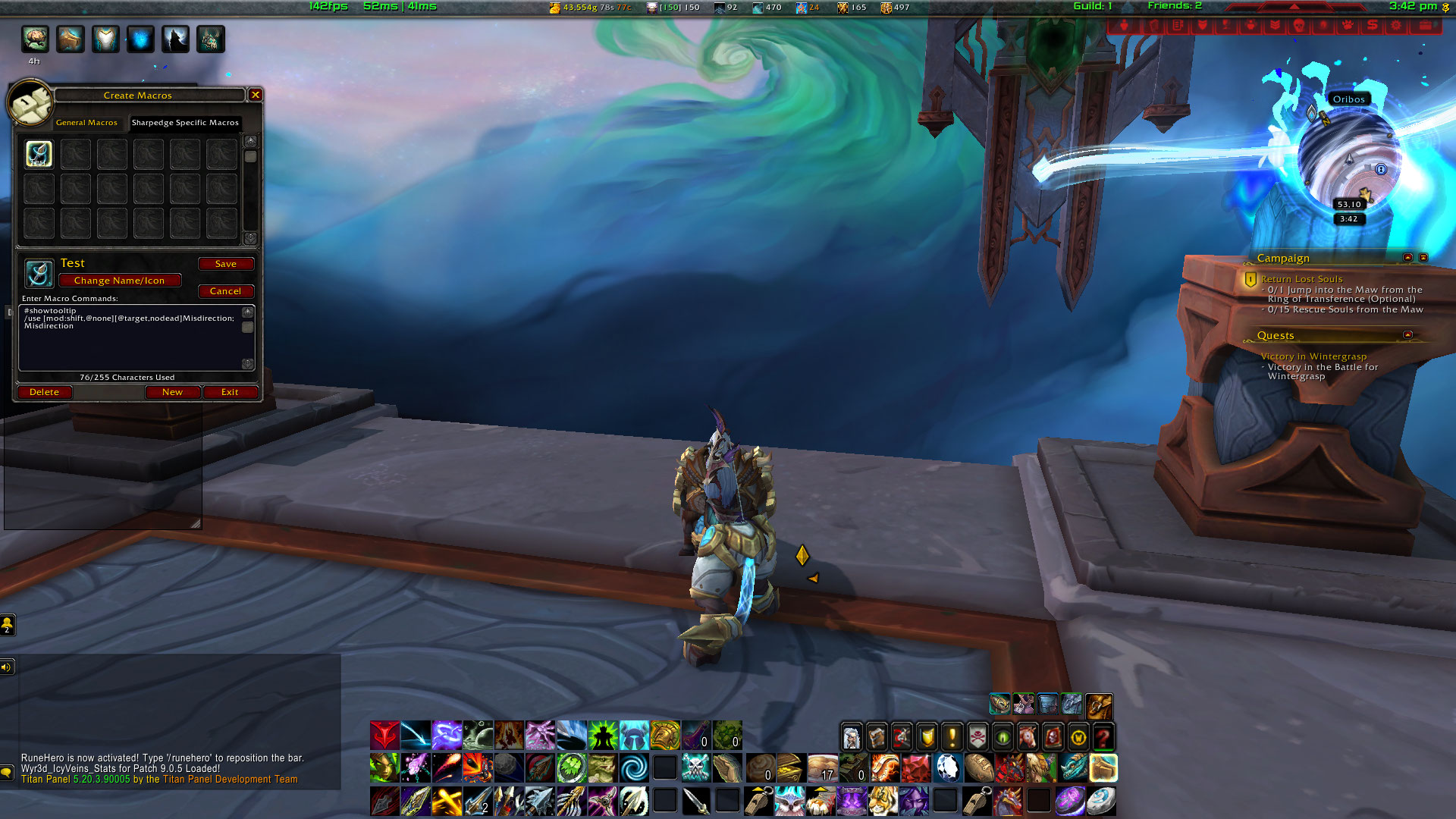
- Intelligently creates and self modifies your misdirection / tricks of the trade macro for easy control of your misdirection / tricks of the trade ability.
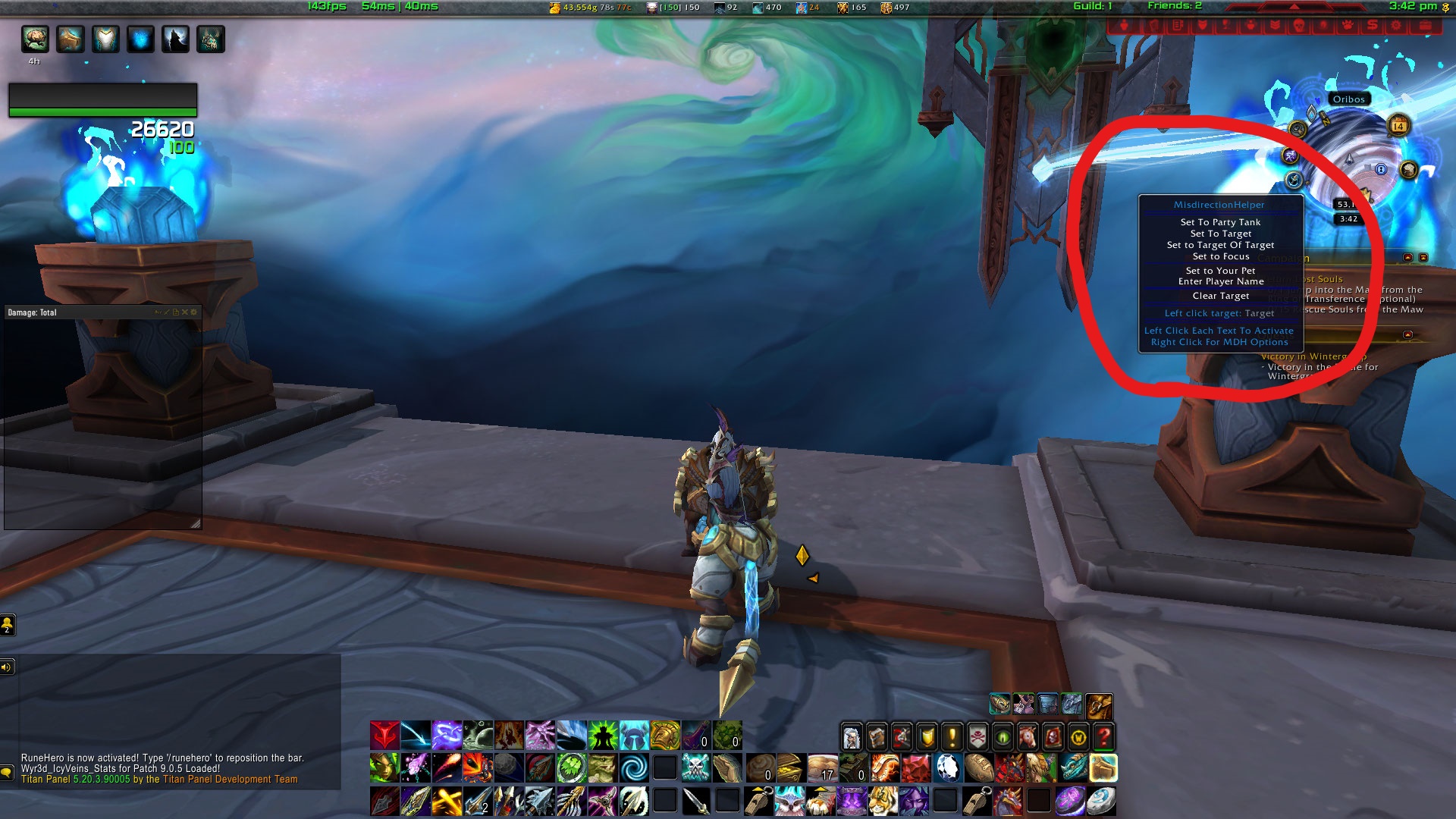
- Unique LDB / minimap button tooltip that allows for quick misdirection / tricks of the trade assignments that auto adjust your macro on the fly.
Using Misdirection Helper 2
Set your misdirection / tricks of the trade target using either the LDB dropdown menu, or the dropdown menu from the minimap button. Misdirection Helper will create a macro in your character specific macros. Just drag this onto your action bar and use when required. If you change your misdirection / tricks of the trade target using the dropdown menu, the macro will automatically update.
From version 4.2.1.0 it is possible to set two targets. Left click on an option in the dropdown menu to set one target, right click on an option to set a second target (doing the same on Clear Target clears the relevant target). When you use the macro, left clicking will misdirect / tricks of the trade to the target set from the dropdown menu (left click), right clicking will target the target set from right clicking the dropdown menu. Holding down the shift key whilst clicking the macro should cause it to behave as though you had just click the standard misdirection / tricks of the trade icon on your action bar.
Please note that you cannot change your misdirection / tricks of the trade target during combat as addons are prevented from modifying macros unless your character is out of combat.
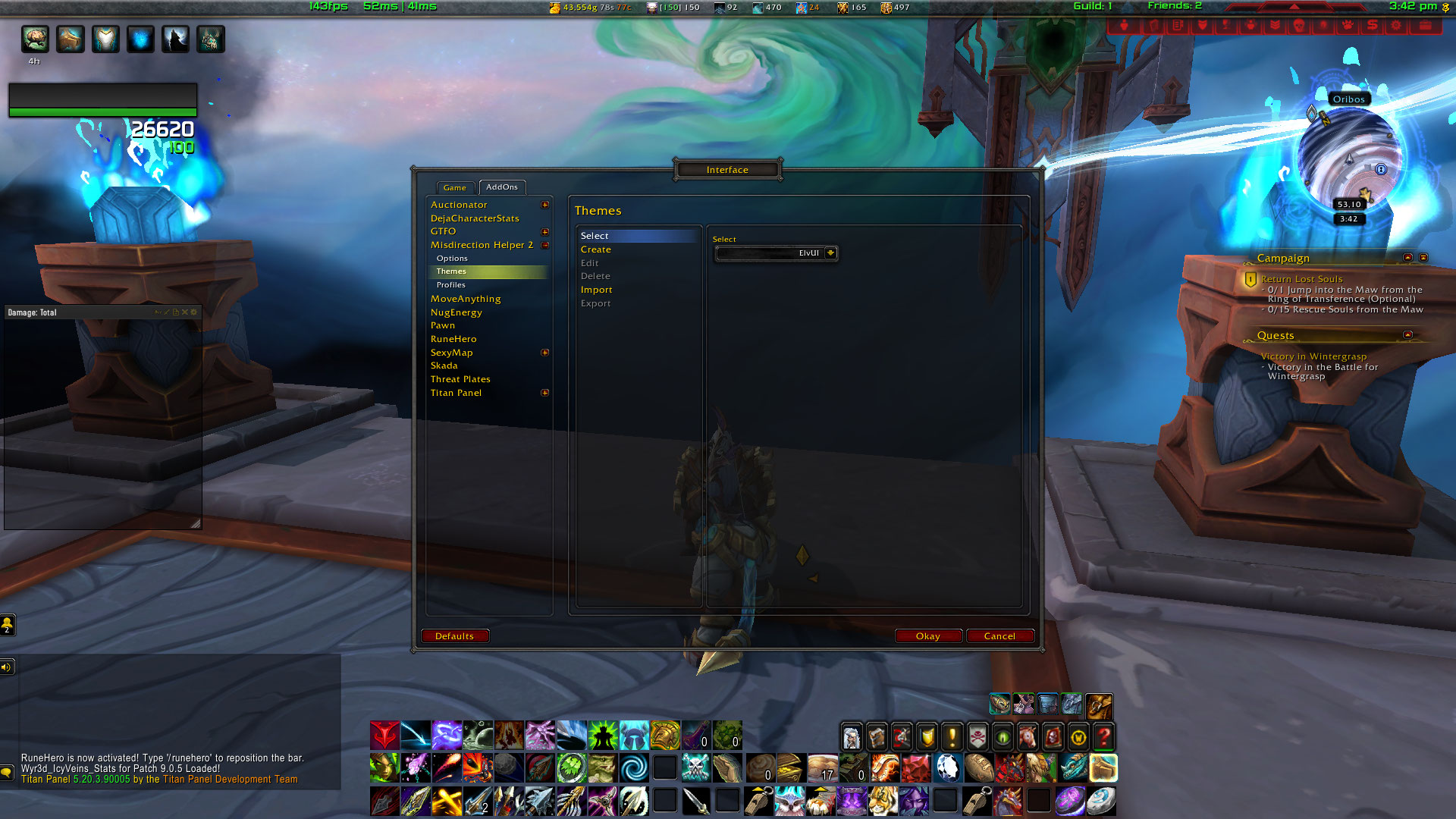
Themes
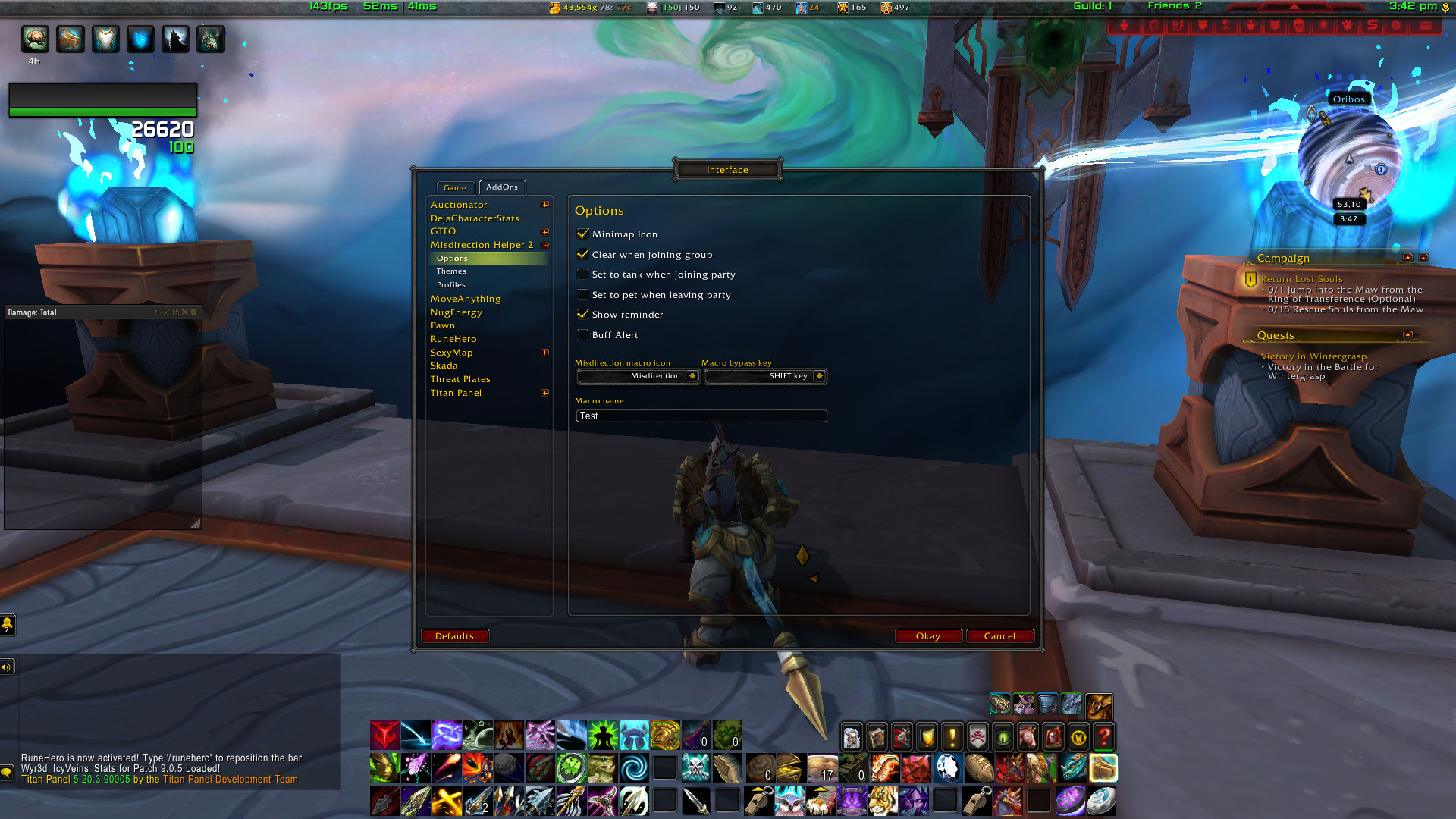
As of V5.0.0.2 Misdirection Helper has custom theme support. It also now supports an ElvUI look and feel and has basic TipTac support.
Data Broker
Misdirection helper includes Data Broker support. This provides one click access to the interface and right click access to a drop down menu.
NOTE: To see the Data Broker features, you will need to use a Data Broker Display addon.
All data broker options are also available via a minimap button.
Locales
Misdirection helper is currently localised for all WoW locales.
Acknowledgments
- Beutju for MoP bug fixes – many thanks!
- Gabriel for the original addon code
- Kazragore for the German translation
- Spiritlebon for the French translation
Let it be known that all I did was update this addon to work with Shadowlands. The authors/author has not been online for over a year. Seeing that I have both a hunter and a rogue I decided to update this. If there are any issues I will try my best to fix them.





Add a comment