


 Get 0.05 TON 💎
Earlier Versions
| Name | Size | Uploaded | Game Version | Downloads | |
| Castomatic-v1.5.3.zip release | 43.16 KB | Feb 7, 2023 | 10.0.5 | 129 |  Download Download |
| Castomatic-v1.5.2.zip release | 42.43 KB | Feb 3, 2023 | 10.0.5 | 82 | Download |
| Castomatic-v1.5.0.zip release | 44.50 KB | Jan 25, 2023 | 10.0.5 | 86 | Download |
| Castomatic-v1.3.1.zip release | 45.43 KB | Oct 31, 2022 | 10.0.0 | 142 | Download |
| Castomatic-v0.7.3.zip release | 36.74 KB | Aug 18, 2022 | 9.2.7 | 159 | Download |
Screenshots


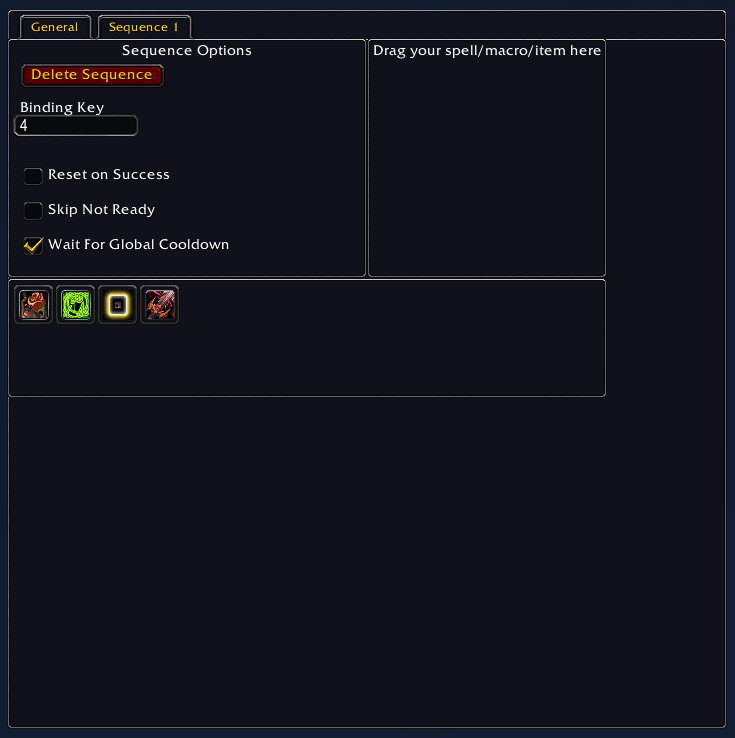
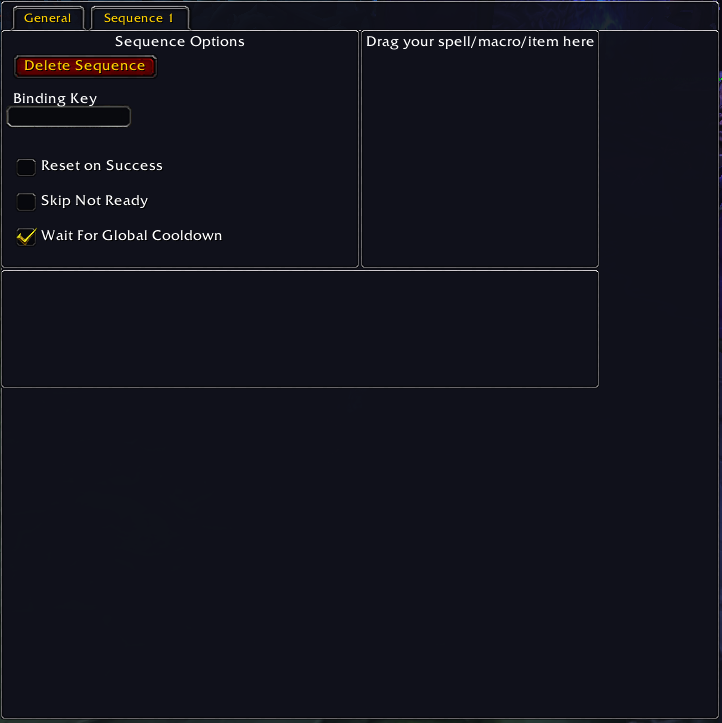

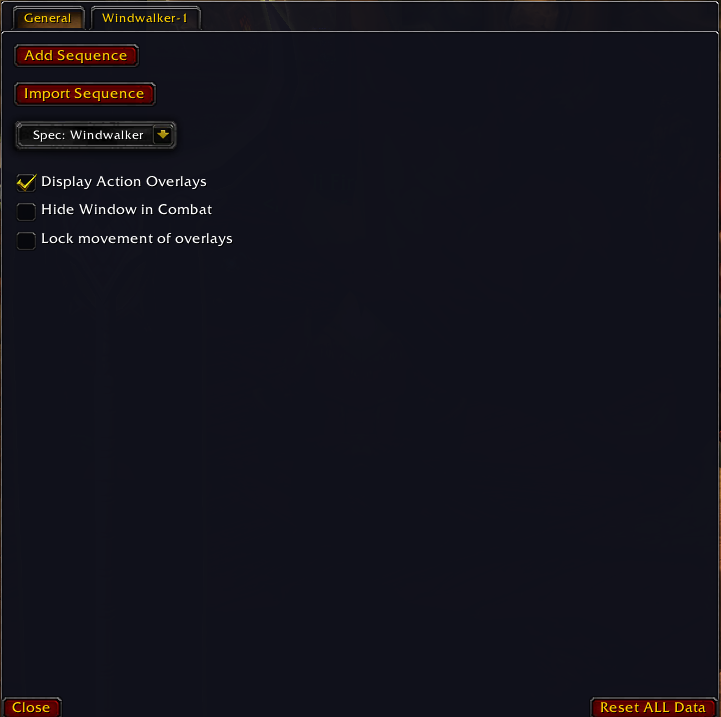

Description
Castomatic
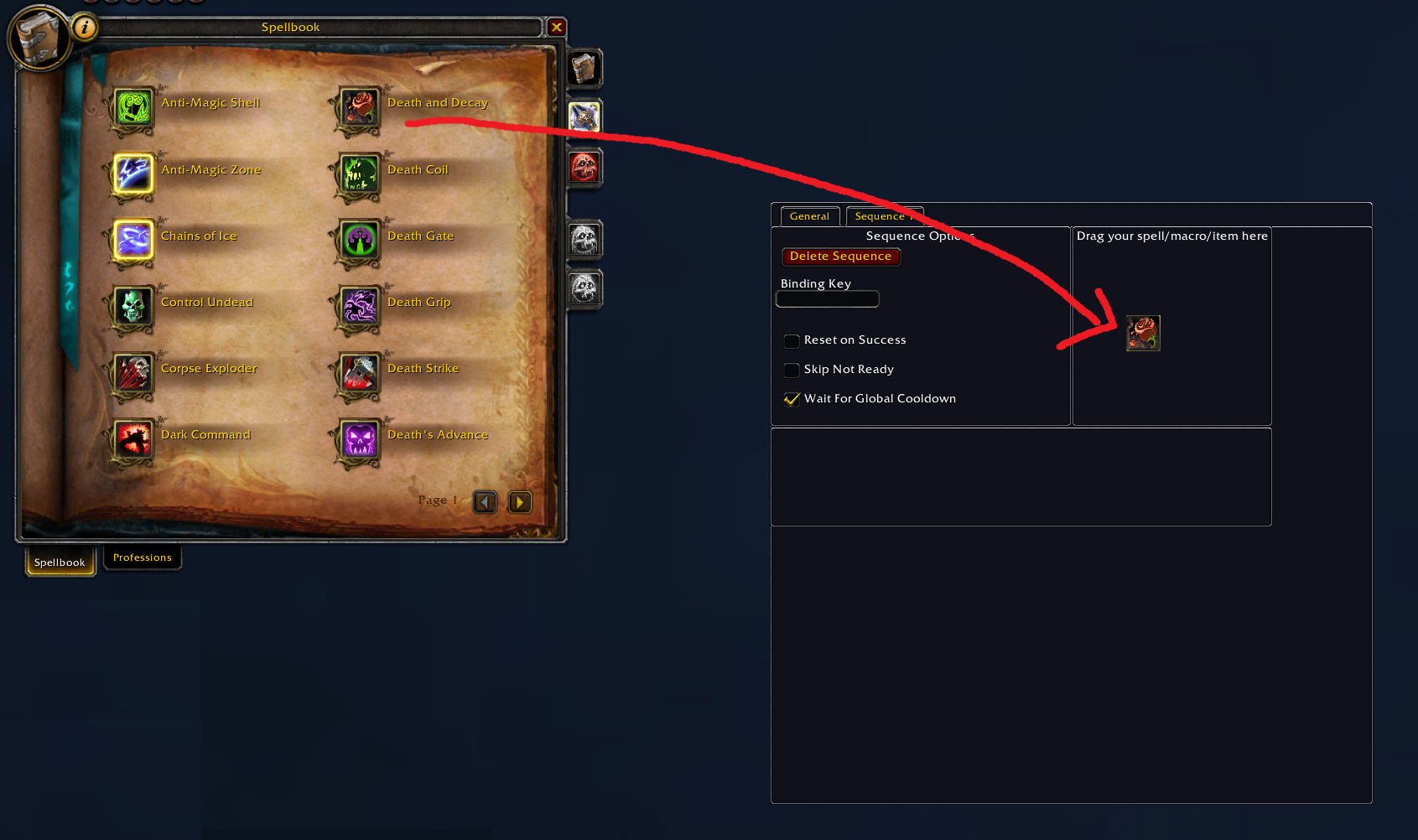
Helps with logic execution of Actions for the player. Actions are Spells, macros or items.
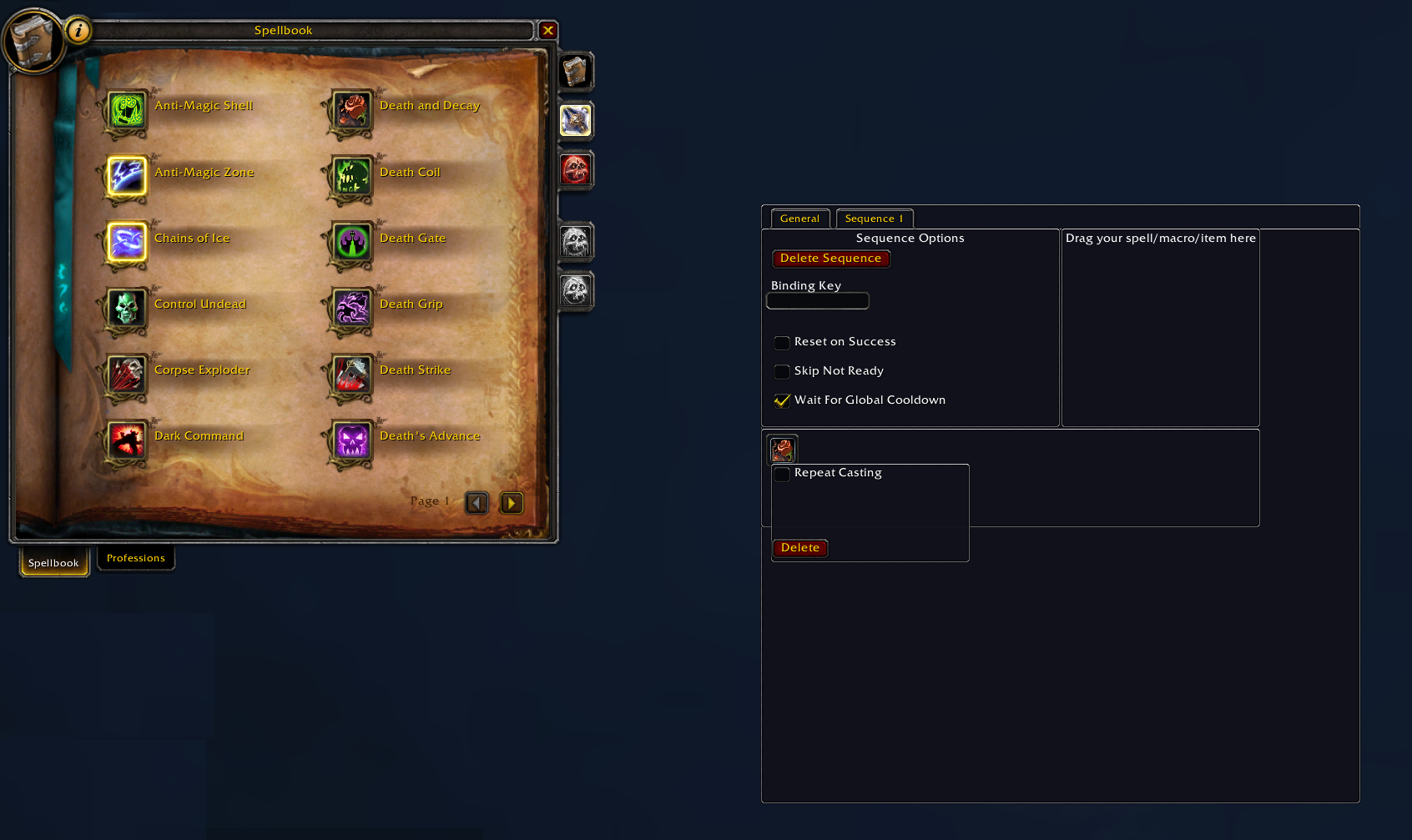
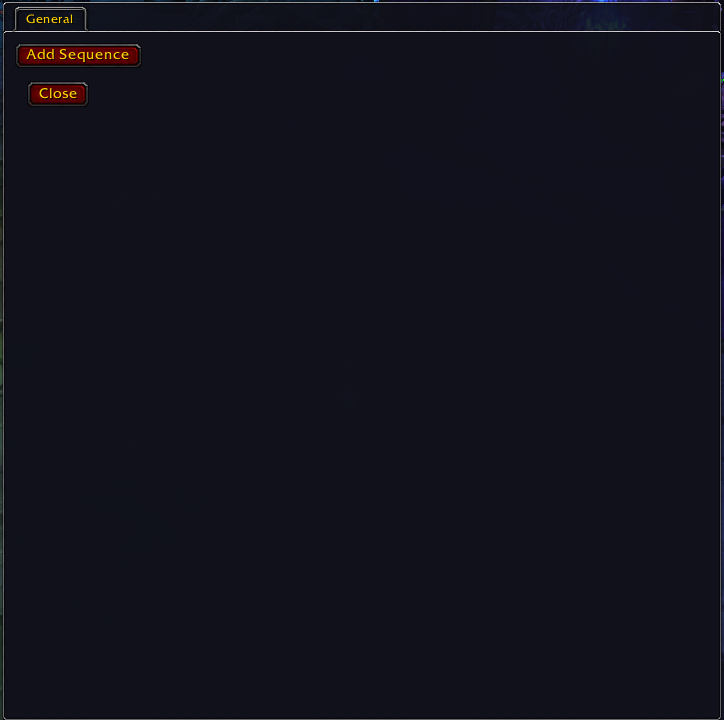
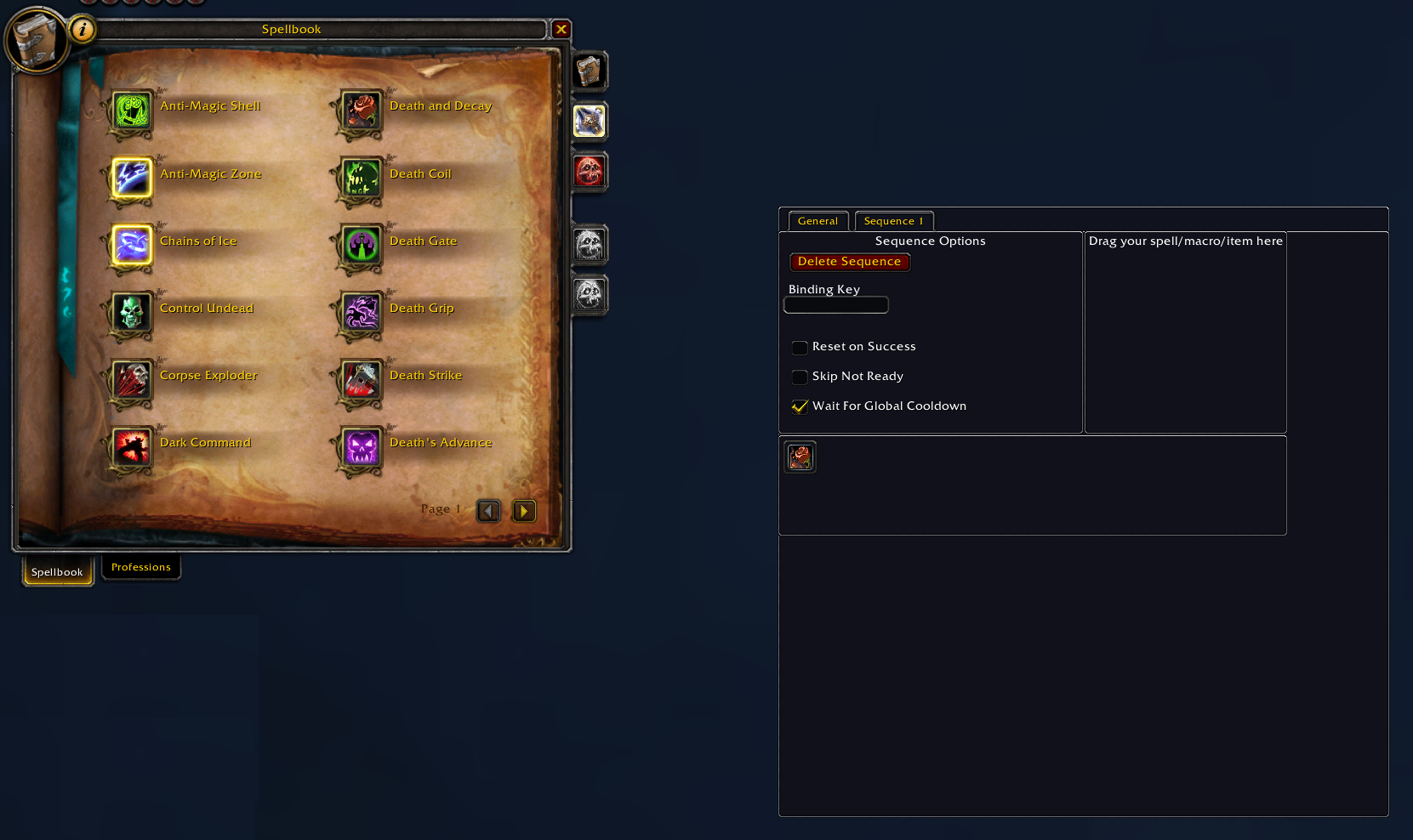
Castomatic allows a player to create Action Sequence(s) and adjust the behavior of these sequence(s) and the actions within them and bind them to hotkeys.
Extra Sequence Options
Castomatic has other options you can set to enhance the functionality of the Sequence.
Sequence Options are found on the Sequence Tab.
– Reset on Success
– The Next Action is always the First Action in the Sequence
– It is HIGHLY recommended to also use Skip Not Ready with this option
– Skip Not Ready
– The Action Sequence will continue to the Next Action until it fines one that is Ready
– Wait For Global Cooldown
– Warning: This feature has Nondeterministic behavior if UNCHECKED on the Action Sequence if unchecked
– The Action Sequence will continue to the Next Action until it finds one not effected by Global Cooldown or the the Global Cooldown ends
– Depending on how fast the button is repeatedly clicked the Current Action could be anywhere if the Global Cooldown ends vs finding a Action without a Global Cooldown
Extra Action Options
Action Options are found by Right-clicking the Action
– Repeat Casting
– Continue to cast the Current Action until the player runs out of resources or all charges are spent before moving to Next Action
– Delete
– Will remove the action and shift the remaining actions to the right by 1
– Flip Skip Not Ready
– Changes the value of Skip Not Ready for this action to the opposite
– If the Sequence has Skip Not Ready to true then having this checked will set it to false for this action only
– This only works with Reset on Success is false
General Options
-
Display Action Overlays- Will draw the active action icon at the location of the bind key on your action bar.
- If you bind key is set to
4a icon will render on top of the action bar’s 4th action. - This means you will not be able to click the actionbar directly anymore.
- Overlays are draggable and locations persisted
Special Thanks
I want to extend a special thanks to the following sites for helping make this Addon come to life.
- https://wowwiki-archive.fandom.com/wiki/Wiki
- https://www.codeproject.com/Articles/284961/A-Simple-World-of-Warcraft-Addon-using-Lua
- https://www.wowhead.com/guide=1949/addon-writing-guide-a-basic-introduction-by-example
- https://www.lua.org/pil/1.html
Change Log
https://www.curseforge.com/wow/addons/castomatic/pages/castomatic/changelog




Add a comment