


 Get 0.05 TON 💎
Earlier Versions
| Name | Size | Uploaded | Game Version | Downloads | |
| v1.0.1 beta | 10.90 KB | Apr 25, 2022 | 9.2.0 | 17 |  Download Download |
| v1.0 beta | 10.91 KB | Apr 22, 2022 | 9.2.0 | 27 | Download |
Screenshots


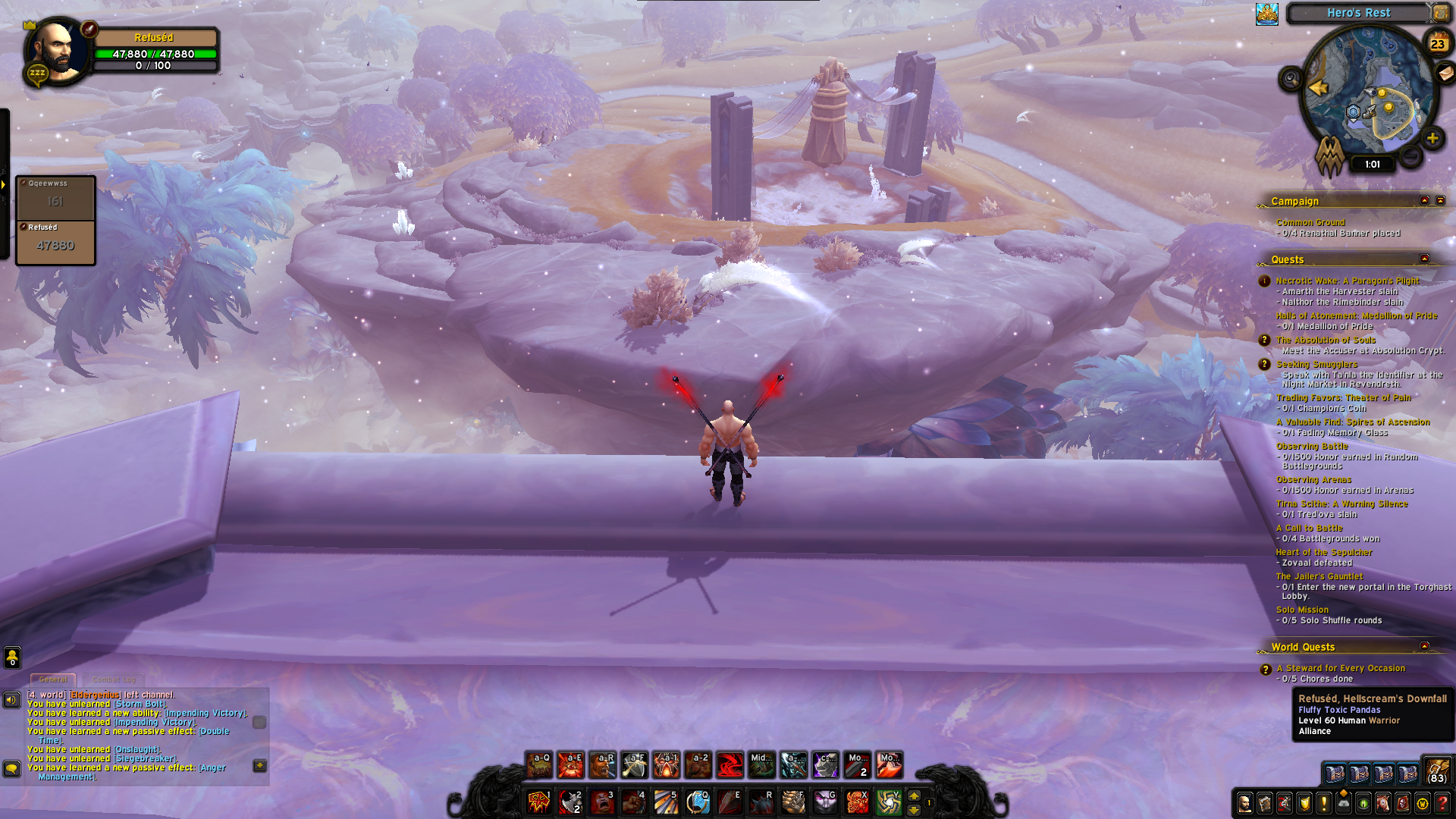


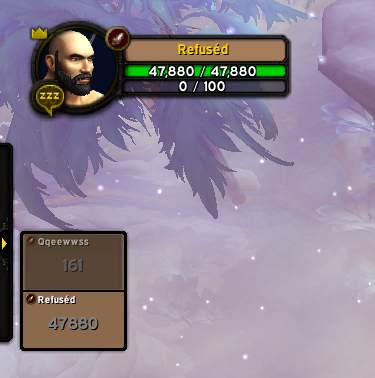
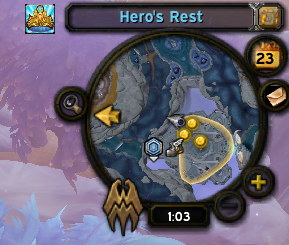

Description
Dark Mode UI
Dark Mode for Default Blizzard UI
Every frame border and background was changed to dark version.
Important
Texture Pack: GitHub or here WowInterface
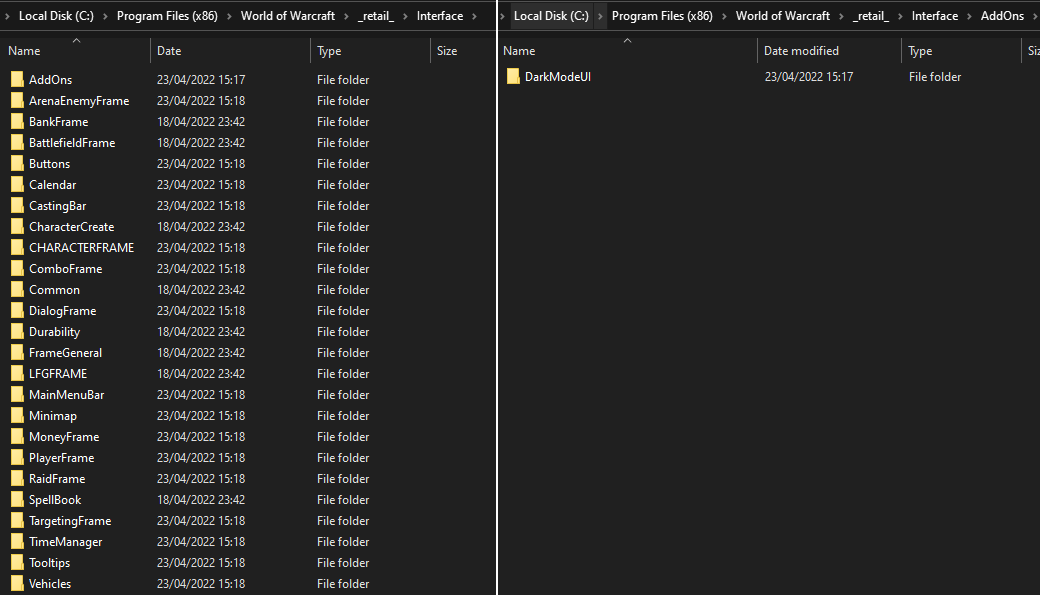
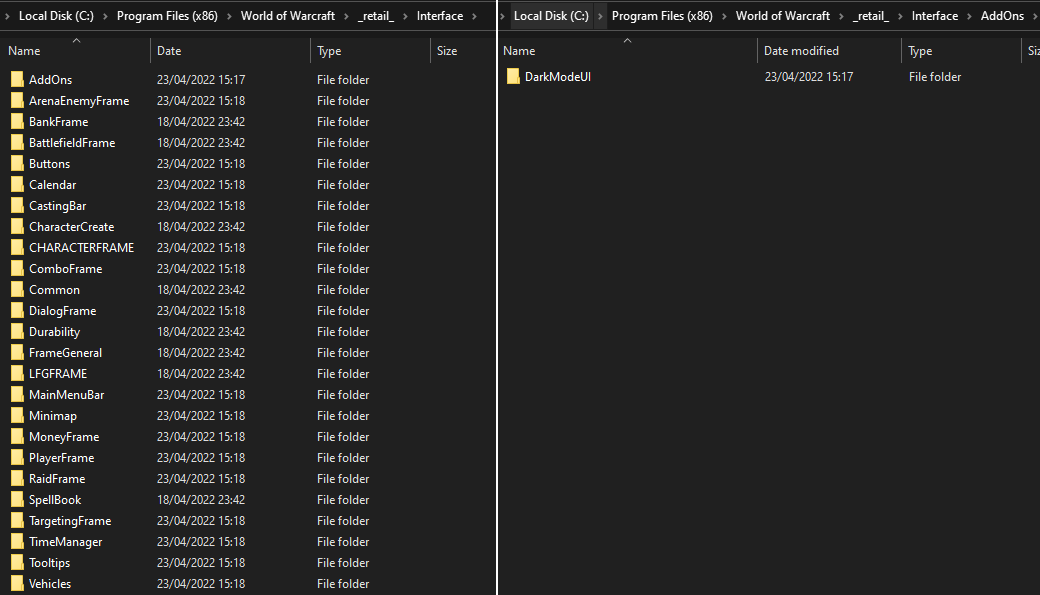
If you want complete dark version you need to download DarkModeUI Texture Pack and place it into “World Of Warcraft_retail\Interface\”_. Not into AddOns folder, its not an addon. After that you need to restart your game, /reload is not enough. So your files should look like this:

Action bars
- Dark version of default blizzard action bars

Unit frames
- Dark version of default Blizzard Unitframes
- Names background are class colored.
- removed rest glow and icons

Arena frames
- Dark version of default Blizzard Arena frames
Cast bars
- Dark version of default Blizzard castbars
Minimap
- Dark version of default Blizzard minimap

Configuration
There is no in-game configuration available, but changing the settings isn’t hard! Configurations can be found in the .lua file inside the DarkModeUI folder.





Add a comment